
Settings
Overview of all configurable settings in InterMIND.
Settings
The Settings page lets you personalize your InterMIND experience. Everything you connect — calendar, Slack, Telegram, API keys — and the team-level controls (SSO, domains, directory sync) live on the Integrations page.
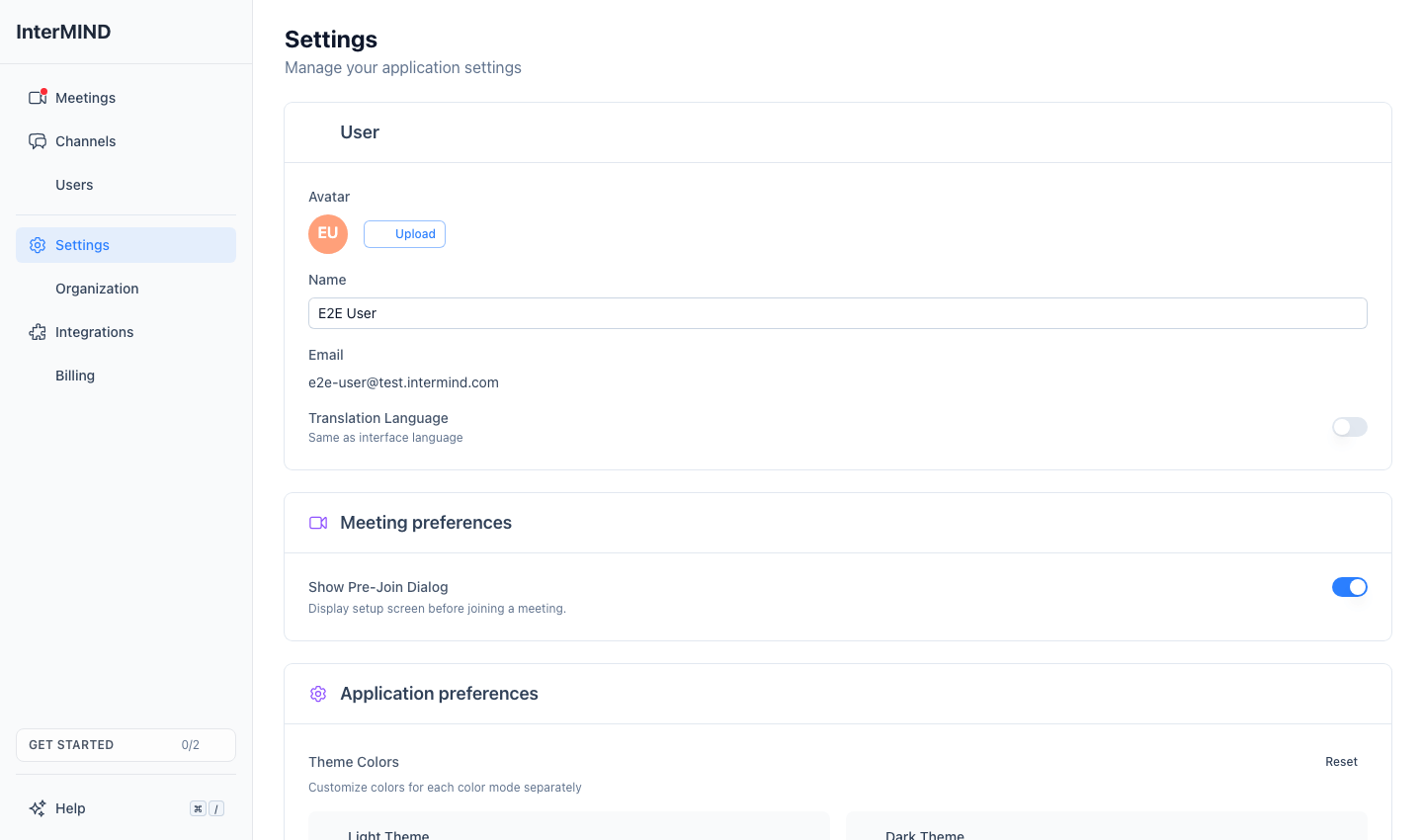
Settings Page
The Settings page in the sidebar contains these cards, stacked top to bottom:
| Card | What You Can Configure |
|---|---|
| User | Avatar, display name, email (read-only) |
| Email preferences | Toggle whether you receive product emails |
| Your voice in translation | Record a short voice sample so your translated speech keeps your voice — see Your Own Voice |
| Application preferences | Theme color customization (primary and secondary, light and dark) |
| Active sessions | See every device signed into your account, with its place and last-active time, and end any session (or all but this one) |
| Backup & Restore | Export and import your data (shown when your plan includes data export) |
| Delete Account | Permanently delete your account and associated data |
Color mode (light / dark / system) is toggled via the theme button in the app sidebar, not from the Settings page. Your interface language and translation language are also set from the sidebar: open the menu on your account entry at the bottom — both have their own submenus there.
Directory Integration, Domain Management, and SSO are configured on the separate Integrations page.
Quick Links
- Profile Settings — Avatar, display name, and where the translation language lives
- Appearance — Theme color customization
- Meeting Defaults — Device and feature defaults
- Keyboard Shortcuts — Every shortcut, global and in-meeting
- Calendar — Connect Google or Outlook calendar and pick your default
- Backup & Restore — Export your chats as a ZIP and restore them later