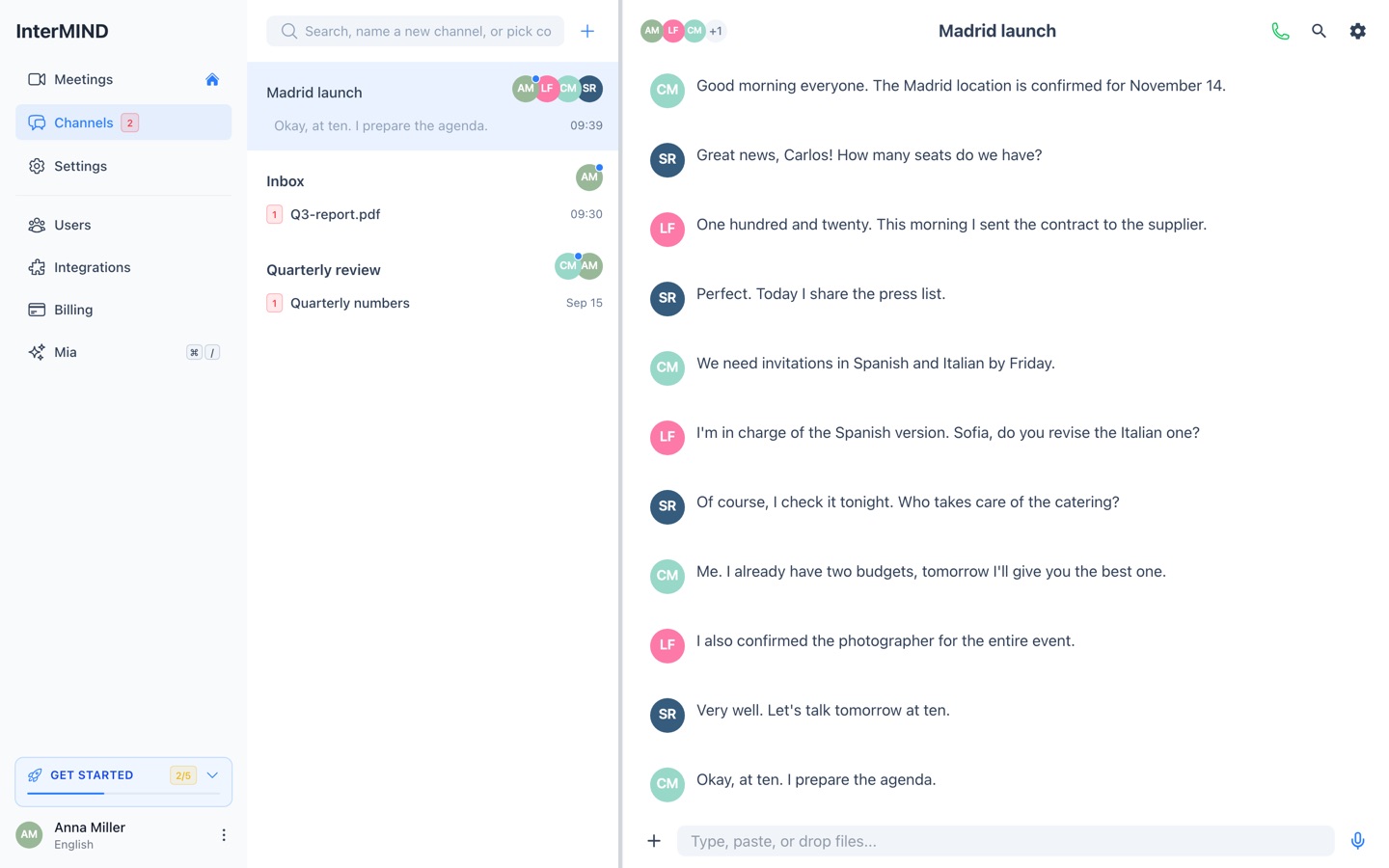
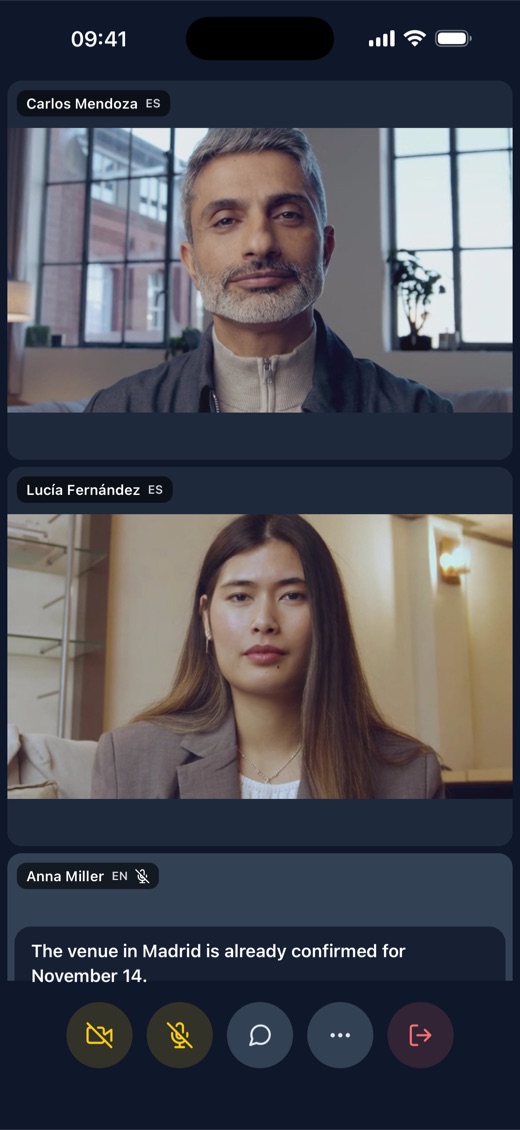
Same translation. Three ways to run it.
Use InterMIND in your browser with nothing to install, or get the desktop and mobile apps for calls that keep running in the background and native notifications. Here's exactly what changes on each.
Free to start · No credit card · Desktop builds are signed
What works where
Every platform runs the same real-time translation engine — full voice and chat translation in an InterMIND meeting is identical everywhere. The apps add what a browser tab can't do once you step away from the window.
The translation itself is the same on every platform. What the installed apps add is staying connected outside the meeting window — a browser tab is throttled when hidden and can't raise native notifications, so a call you leave in the background survives on the app, not in a tab.
Why install the app
The translation is identical in the browser. The apps are for the moment you look away from the window.
In a browser tab
Full meetings work with nothing to install. But a browser throttles a hidden tab and releases the wake lock, so a call can stall or drop the moment you switch away — and there are no alerts once the tab loses focus.
In the desktop & mobile apps
The installed apps keep the call running when the window is minimized or backgrounded, and raise native notifications for messages and calls — on desktop a system alert and dock badge, on mobile a push and an Android foreground service that holds the call.
Minimize the window and keep working — the call and its live translation keep running.
Frequently asked questions
Which version to pick, requirements, privacy, and updates.
Get InterMIND
Start in your browser, or install the app for background calls and native notifications.
Web
Any modern browser · nothing to install
macOS
Apple silicon & Intel · macOS 11 or later
Windows
Windows 10 or later
Android
Android 8 or later · early access