
Test Room
Test Room
The test room at /browser-test is a meeting-shaped page with nobody else in it. Everything you would check in front of other people — camera, microphone, speakers, screen sharing, network — you check here first, on your own.
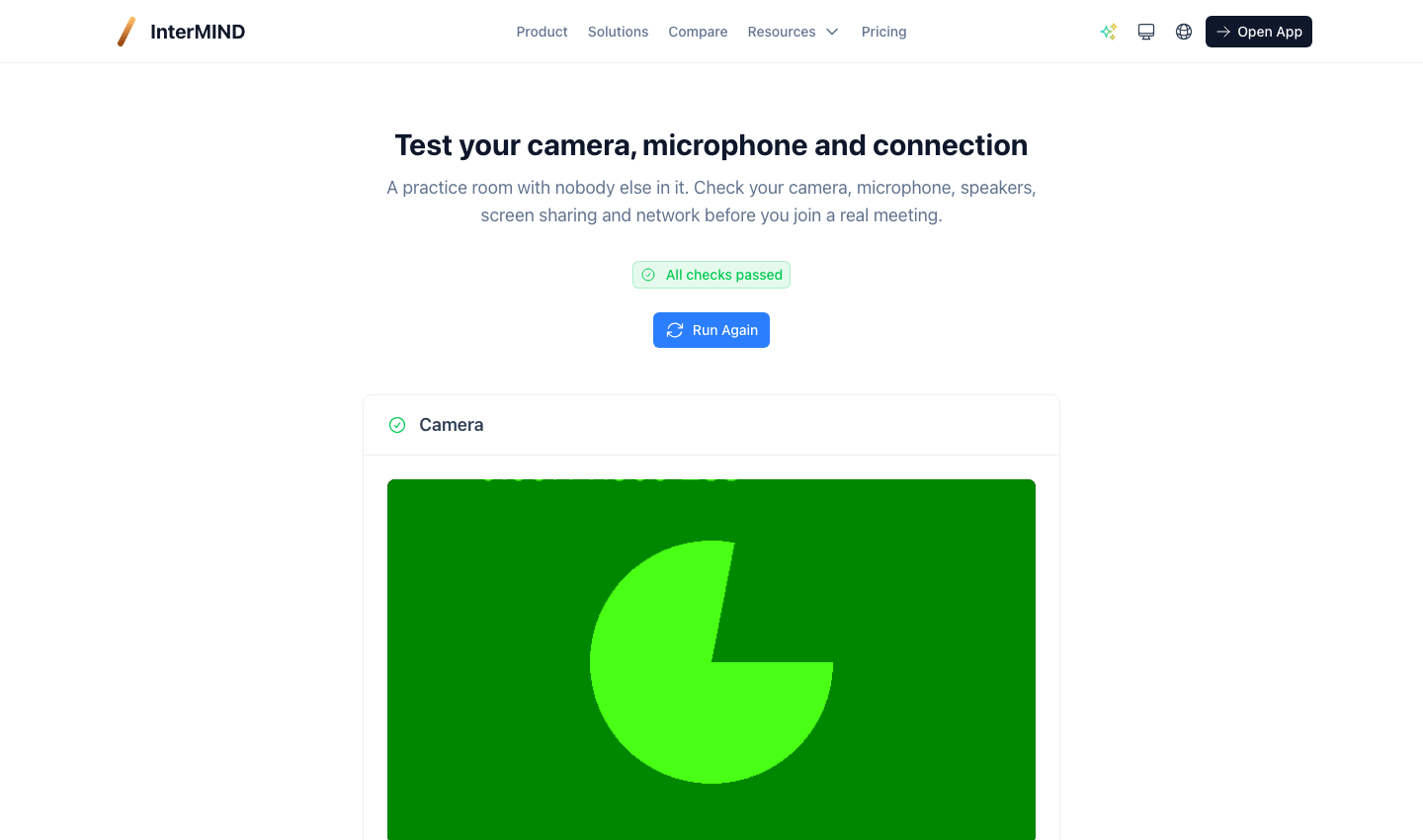
It needs no account and no meeting link: open it, allow camera and microphone, and the page runs.
What it checks
Camera
A live preview of what other participants would see. If you have more than one camera, pick the one you want — the choice is stored in this browser and is the camera your next meeting starts with.
Microphone
A level meter that moves while you speak. Say something: when the bars move, your microphone is heard. Pick a different microphone from the list if the bars stay flat.
Speakers
Play the test sound and confirm you hear it. On browsers that support output selection (Chrome, Edge), you can also choose which speaker or headset plays it; Safari always uses the system default.
Screen sharing
Start a share to confirm your browser allows it, and see exactly what would be sent. Nobody is watching — you are alone in the room. Stop it when you are done, or dismiss the picker to cancel.
Connection
The page also runs the technical checks automatically:
- Codecs — whether your browser can encode VP9, the codec our meetings publish with
- ICE candidates and STUN — whether your network lets a call reach the outside world, and how long the first response takes
- Bandwidth — a five-second estimate, compared against the quality presets (360p, 720p, 1080p)
A summary badge at the top says how many checks came back short.
How to get there
- From Meetings — the signal icon next to the meeting field
- From the pre-join screen — the "open the test room" link under the buttons, which opens in a new tab so you do not lose the meeting you were about to join
- From the site footer, or directly at
/browser-test
If a check fails
The test room reports what it sees; the fixes live in Troubleshooting. Camera and microphone permissions are the most common cause — a blocked permission shows as a denied prompt and no preview.