
Welcome to InterMIND
Welcome to InterMIND
InterMIND is a video conferencing platform with built-in AI-powered real-time translation. Every participant speaks their own language and hears others translated into theirs, live during the call.
What You Can Do
- Video Meetings — Start or join HD video conferences with 50 to 300 participants by plan (1,500 on Enterprise)
- Real-Time Translation — Hear live spoken translation in 23 languages
- Live Subtitles — Read translated subtitles during calls
- Transcription — Save full transcripts of meetings
- Team Chat — Send messages, files, and images with auto-translation (document translation is a paid feature, Pro and above)
- Screen Sharing & Recording — Share your screen and record meetings
- Guest Access — Invite anyone to join a meeting without an account
Quick Start
- Create an account — Sign up with Google, Microsoft, or email
- Sign in — Access the platform
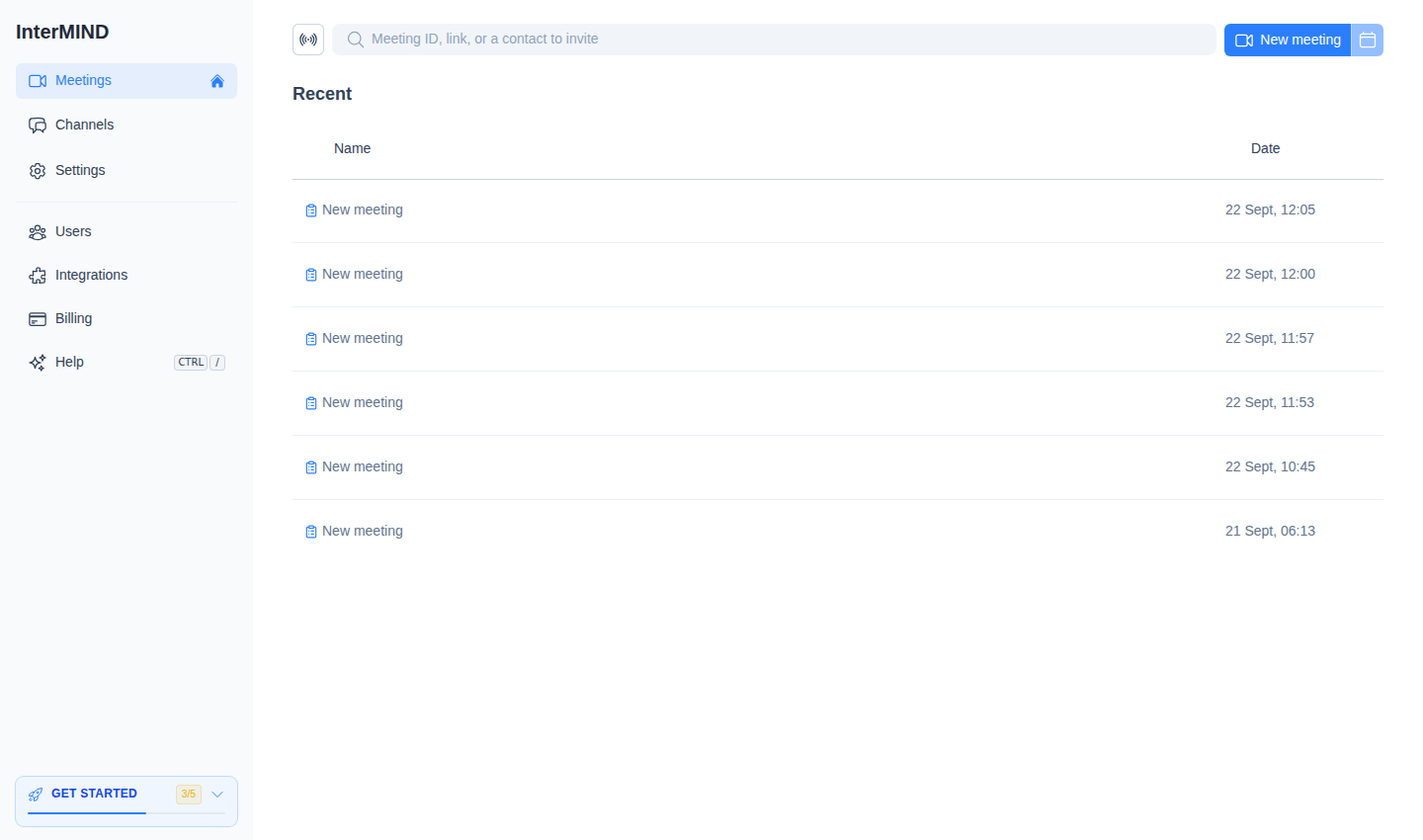
- Start your first meeting — Create a meeting and invite participants
Supported Languages
InterMIND supports 23 languages for real-time translation (voice, chat, and shared notes):
| Language | Language | Language |
|---|---|---|
| English | Spanish | French |
| German | Italian | Portuguese |
| Dutch | Russian | Polish |
| Czech | Hungarian | Japanese |
| Korean | Chinese | Danish |
| Finnish | Icelandic | Norwegian |
| Romanian | Swedish | Ukrainian |
| Turkish | Hindi |
On-demand file translation in chat — a paid feature available on Pro and above — covers a wider list of 30 languages via DeepL. The marketing site itself is localized to 17 (three of which — Arabic, Indonesian and Vietnamese — are site-only for now: in-meeting translation doesn't cover them). See Choosing Languages for the full per-surface breakdown, or read How many languages do we support — six numbers, not one for the methodology.
System Requirements
InterMIND runs fully in the browser — no installation needed. Optional desktop and mobile apps add background calls and native notifications. See System Requirements for the supported browsers, bandwidth, and devices.
Related guides
- How to join a video meeting from your computer: the link, camera and mic, your language — with or without an account (2026)Joining an InterMIND meeting takes three steps in the browser — Chrome, Edge or Firefox, nothing to install. Click the link; signed in, you land on the pre-join screen, not signed in, you type your name and join as a guest and the host admits you. Preview the camera, pick the microphone and speakers, then choose your translation language in More: you hear everyone in your language, in their own voice, with subtitles one click away. What a guest gets and what needs an account, the five-minute rule, the troubleshooting table — and, quoted from their documentation, how Google Meet and Microsoft Teams admit a participant without an account.
- Is InterMIND free for meeting participants?Yes — for every participant, with or without an account. The only person who can ever pay is the host, and only on paid plans. Here is who pays for what, what joining without an account means, and where the limits live.