
Managing Your Subscription
Managing Your Subscription
This guide covers how to start, change, and cancel your InterMIND subscription.
Subscribing to a Plan
From the Pricing Page
Go to the Pricing page
Visit the Pricing page (accessible from the footer or navigation).
Choose billing interval
Toggle between Monthly and Yearly billing (the yearly discount is shown on the pricing page).
Select a plan
Click the plan's CTA:
- Basic — Get started free (no checkout, free forever)
- Pro — Try for free the first time, or Get Pro if you've already used your trial
- Business — Try for free the first time, or Get Business if you've already used your trial
- Enterprise — Contact Sales to fill out the inquiry form
Complete checkout
The first Try for free on Pro opens no checkout at all: the 14-day Pro trial starts at once, with no card (see Free Trial). In every other case you'll be redirected to the secure checkout page — Stripe, or Paddle in selected countries. Enter your payment details and confirm.
Plan activated
After successful payment, you're redirected back to InterMIND with your new plan active.
For Pro and Business Plans
There is nothing to size at checkout. Invite your whole team: every member of a paid organization gets everything the plan includes, and each renewal bills only the members who were active in the previous 28 days — joined a meeting, wrote in a chat or asked Mia. Members who go quiet cost nothing and keep their access; the owner is always counted. Meeting guests and channel participants outside your team are always free. The Users page shows who is active in the current window and how many members the next renewal counts.
If You're Not Signed In
If you click a plan button while not logged in:
Redirect to login
You'll be redirected to the login page.
Sign in
After signing in, your selected plan continues automatically: a first Pro trial starts with no card, anything else opens checkout.
Changing Your Plan
Upgrading
To upgrade to a higher plan:
Go to Pricing or Billing
Visit the Pricing page or Billing page.
Click Upgrade
Select the desired plan.
Confirm in the billing portal
The portal shows a prorated price for the remainder of your billing period.
Done
Confirm the upgrade — your new plan takes effect immediately.
Downgrading
To switch to a lower-tier plan:
Go to Pricing or Billing
Visit the Pricing page or Billing page.
Select the lower plan
Choose the plan you want to switch to.
Confirm in the billing portal
The downgrade typically takes effect at the end of your current billing period.
Switching Billing Interval
To switch between monthly and yearly billing:
- Open the customer portal (via Billing page)
- Change your billing interval
- Yearly billing applies the current yearly discount automatically
Cancelling Your Subscription
How to Cancel
Open Billing
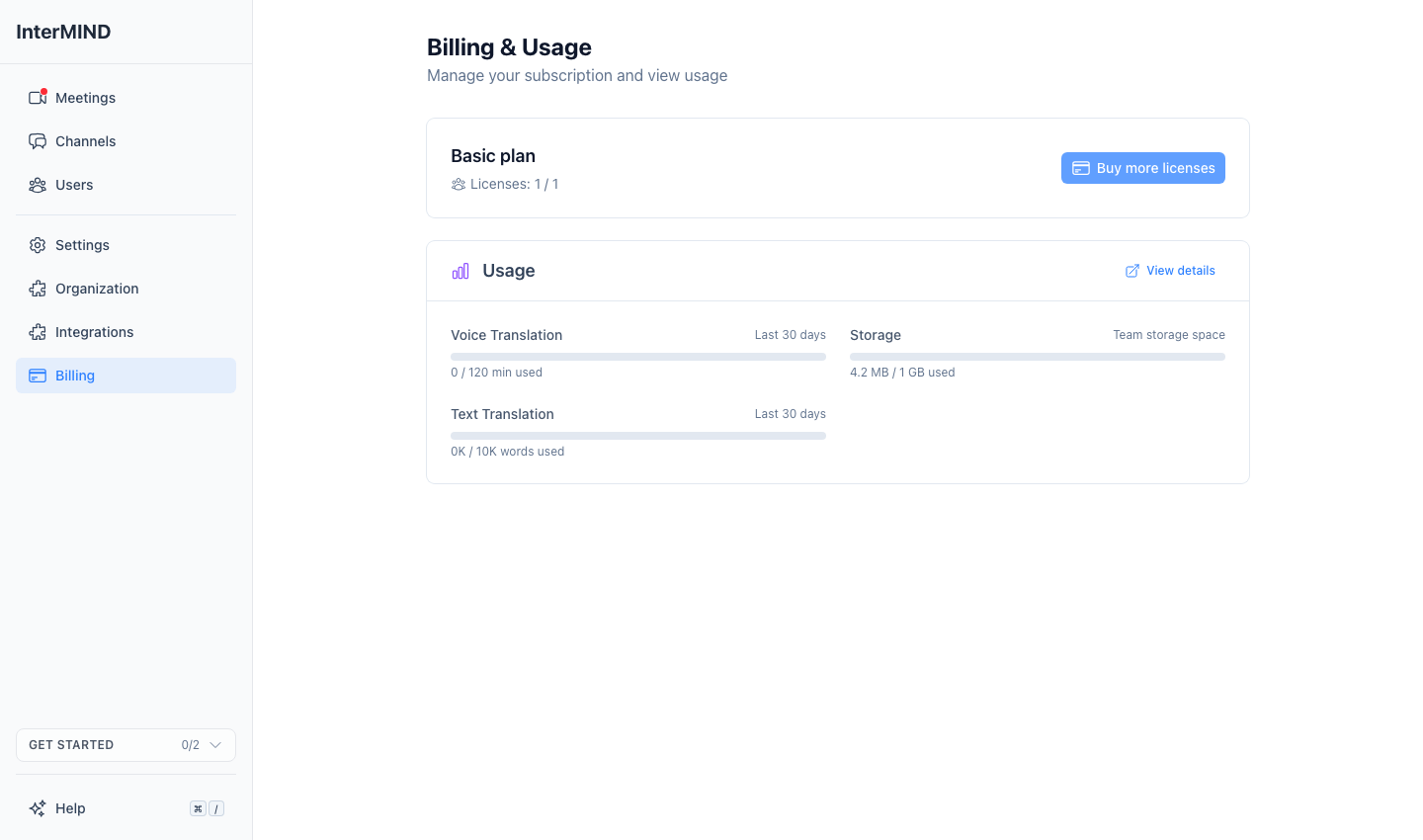
Go to the Billing page from the sidebar.
Click Cancel
You'll be redirected to your payment provider's customer portal.
Confirm cancellation
Confirm the cancellation in the portal.
What Happens After Cancellation
- During trial: The subscription ends immediately — no further access to paid features
- After trial: Your subscription remains active until the end of the current billing period
- The Billing page shows "Subscription Ending" with the end date
- After the period ends, your account reverts to the Basic (free) plan
Reactivating
If you've cancelled but the billing period hasn't ended yet:
- Go to the Billing page
- Click Reactivate
- Your subscription continues as normal — no new charge until the next billing period
Resubscribing
If your subscription has fully expired:
- Go to the Pricing page
- Choose a plan and go through the checkout process
- Note: the free trial is not available if you've used it before
Payment Methods
Payment is handled entirely through our payment providers — Stripe, or Paddle in selected countries:
- Credit/debit card is the accepted payment method
- Manage your payment methods through the customer portal
- Update your card before it expires to avoid payment failures
Payment Issues
If a payment fails:
- You'll receive a notification about the failed payment
- The payment provider will retry the payment automatically
- If the issue persists, update your payment method in the Customer Portal
- Continued payment failure may result in your subscription being cancelled
FAQ
Can I switch plans at any time?
Yes, you can upgrade or downgrade at any time. Upgrades take effect immediately with prorated billing. Downgrades take effect at the end of your billing period.
What happens to my data if I cancel?
Your data is preserved after cancellation. If you resubscribe, everything will be as you left it. However, if your storage exceeds the Basic plan limit, you'll need to upgrade to access all files.
Can I get a refund?
Refunds follow the refund policy of the payment provider that processed your purchase. Purchases made through Paddle are governed by Paddle's Refund Policy and refund requests are handled by Paddle. Except where required by applicable law, subscription fees are non-refundable.
Is my payment information secure?
Yes. All payment processing is handled by our payment providers — Stripe, or Paddle in selected countries. InterMIND never stores your credit card details.