
InterMIND · Brand


Logo & brand mark
The slash “/” mark and the InterMIND wordmark, on the brand gradient. The lockup is for headers and the site; the mark is for avatars and icons. Every variant ships as SVG and PNG.
02
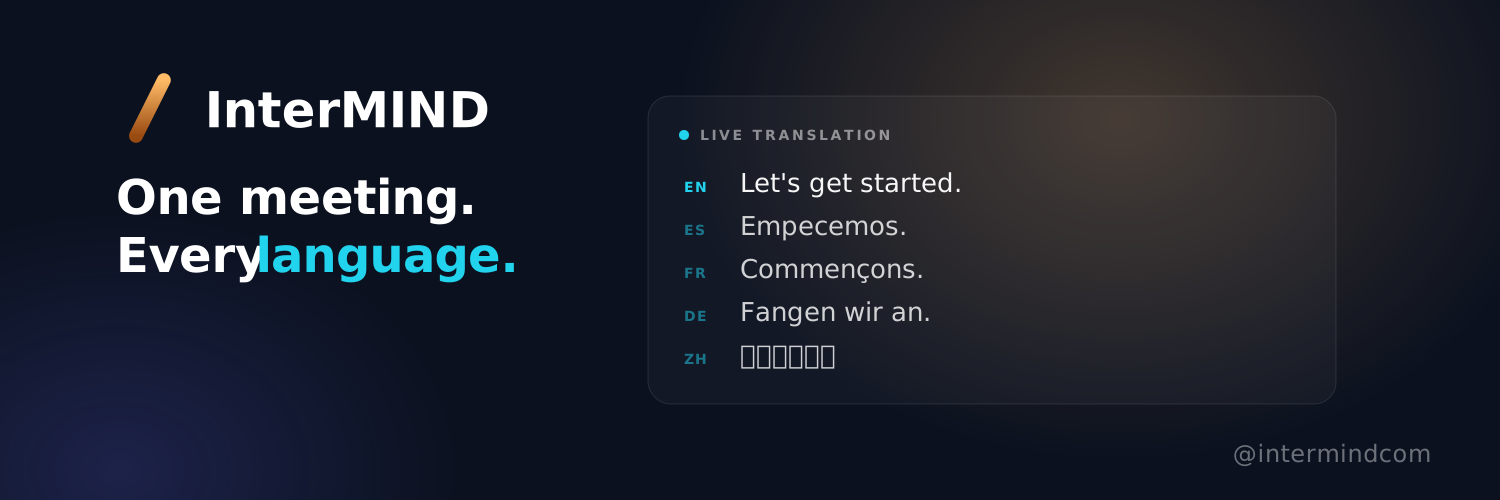
Social header
A 1500×500 banner for X and partner profiles — the lockup and the homepage claim on the left, a panel showing one line as each guest reads it, across the languages we support, on the right. Lockup sits top-left, clear of the profile-photo crop. Add campaign copy in a separate layer; keep this one evergreen.













06
Brand gradient & usage
#FFBB66Top
#CC833CMid
#994A11Bottom
Do
- Keep clear space around the mark equal to the height of the slash.
- Use the white wordmark on dark backgrounds, the graphite one on light.
- Place the gradient mark on calm, neutral backgrounds.
Don't
- Recolor or flatten the gradient, or swap it for a solid fill.
- Rotate, stretch, skew, or add shadows and outlines to the mark.
- Crowd the lockup or place it on a busy, low-contrast photo.